One order moves across three teams.
Sales visits a store and creates the order. Odoo Admin checks the data. Drivers deliver goods and record payment.
Return cases stay linked to the same transaction, so the next person can see what needs to happen.
A mobile app for Alamui, the distributor of Joyday products. It connects store visits, Odoo checks, delivery, payment, and return handling in one workflow.
Alamui distributes Joyday products to retail stores. Waroong supports the field work around each order, while Odoo keeps the operational record.
Sales visits a store and creates the order. Odoo Admin checks the data. Drivers deliver goods and record payment.
Return cases stay linked to the same transaction, so the next person can see what needs to happen.
Every handoff needs enough context for the next person to continue the same order.
Sales needs store, product, unit, and quantity details in one flow.
Admin and Drivers need the right order details at handoff.
Drivers confirm items and payment within the same task.
Return reasons, approval, and pickup stay tied to the order.
Sales and Drivers work in Waroong. Odoo Admin checks and prepares the same order in Odoo.
Creates orders during store visits.
Handles store and customer details, product, unit, quantity, cart, order history, and returns.
I mapped the work around one transaction before turning it into mobile tasks.
I mapped the path from store visit to order, Odoo check, delivery, payment, and returns.
Mapped user paths and handoffs.
Turned flows into mobile screens.
Built high-fidelity UI in Figma.
Joined development, QA, and UAT.
Each flow gives the right person the information needed for the task in front of them.
Sales selects the store, adds products, checks quantity, reviews the cart, and submits the order.
Sales can create orders on mobile. Scanning the store QR code speeds up each visit.
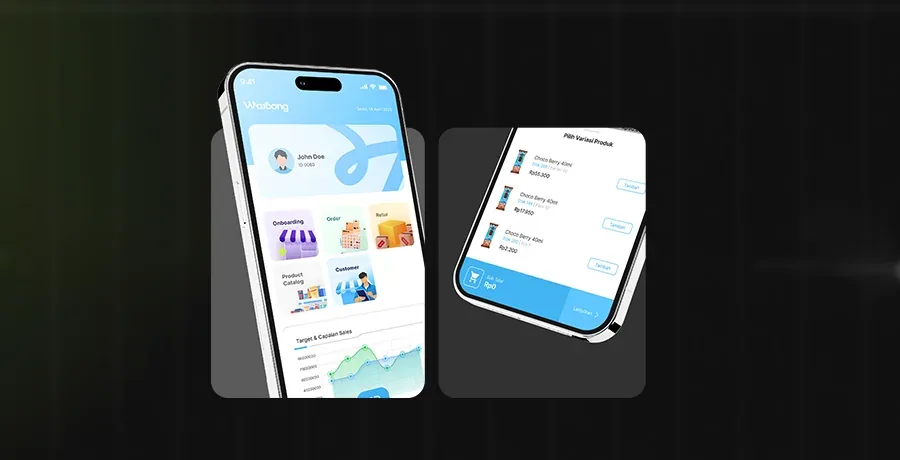
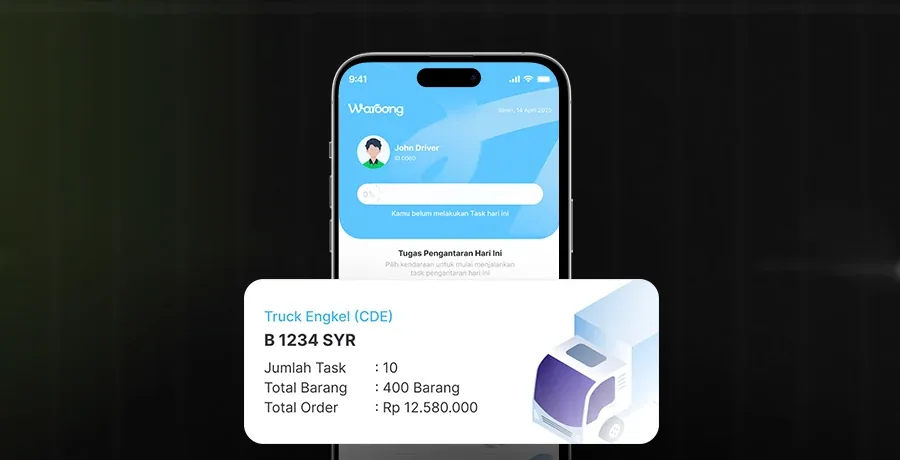
Drivers see their task list, confirm delivered items, record payment, and complete the task.
Delivery and payment stay in one task.
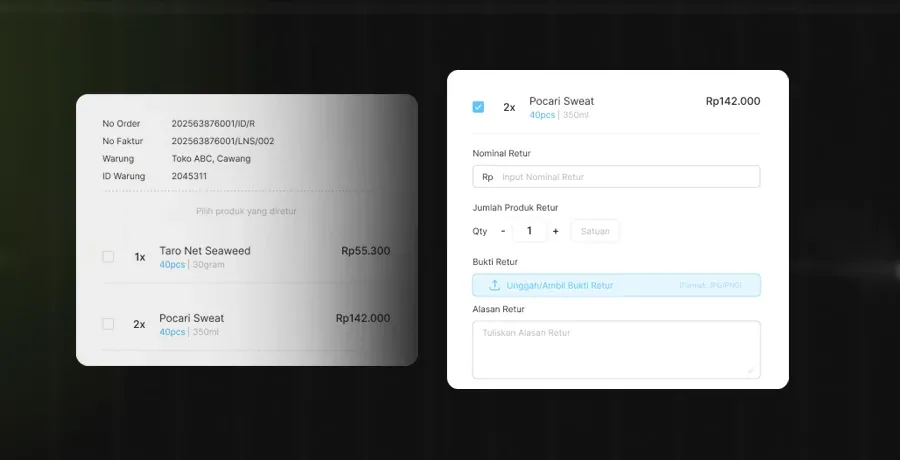
Users add a return reason. Admin reviews it, then Drivers receive a pickup task when approved.
Returns remain visible from request to pickup.
Core UI tokens and components for the order workflow.
Keeps screens consistent and faster to build.